Possible Duplicate:
Is it possible to add new items to the Charms Bar?
Is there a way to customize the Charm Bar in Windows 8?
For example, I want to add shortcut for quicker access to folder/application, and/or remove the Share and Devices buttons
Possible Duplicate:
Is it possible to add new items to the Charms Bar?
Is there a way to customize the Charm Bar in Windows 8?
For example, I want to add shortcut for quicker access to folder/application, and/or remove the Share and Devices buttons
There's no way to edit the the shortcuts on the Charms Bar, though as ronalchn showed; you can customize the appearance.

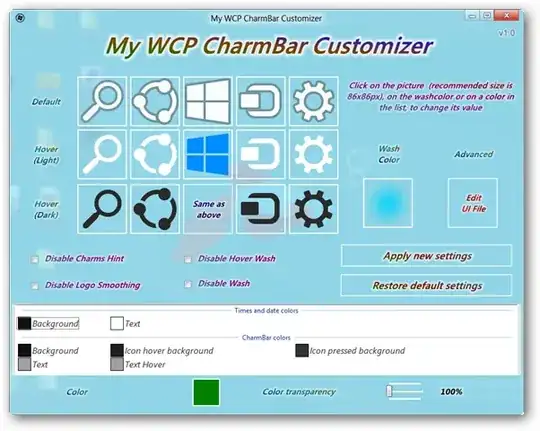
You can use the My WCP Charmbar Customizer.
Using it, you can easily change the look of your charms bar:
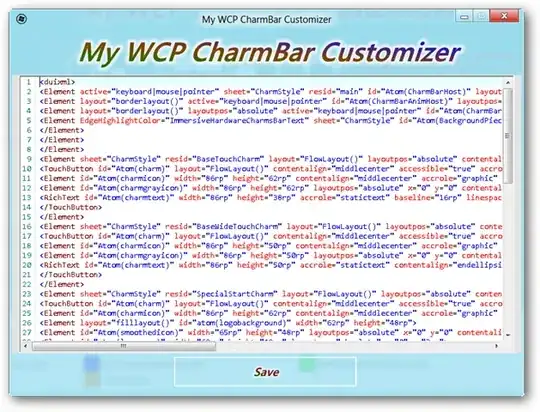
To actually change the buttons, you might be able to use the Edit UI File feature to change the code (not sure how you can setup the action a button takes though):
Sources:


