Upon importing a folder to my collection in Traktor, Traktor analyze all tracks, even tracks that the same version of Traktor had already analyzed.
How can I configure Traktor so that only non-analyzed tracks get analysed?
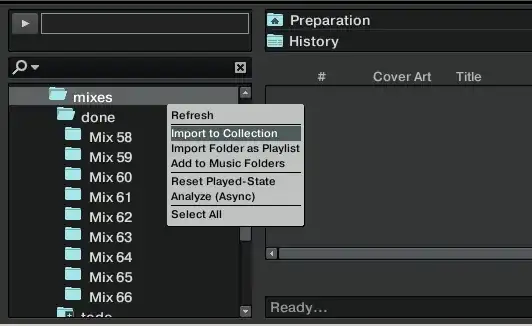
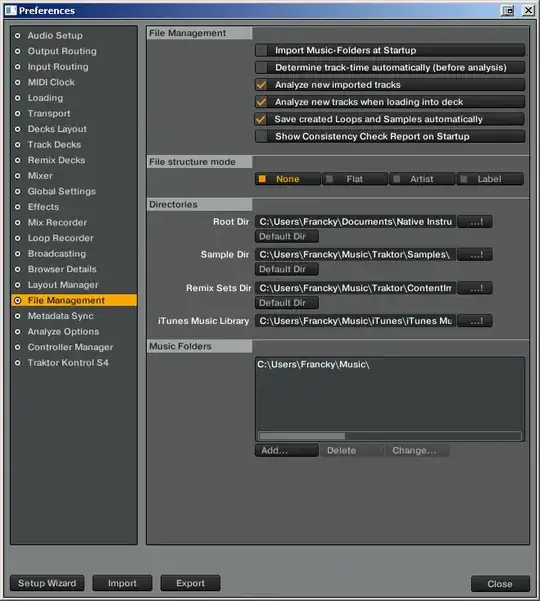
My settings:
Upon importing a folder to my collection in Traktor, Traktor analyze all tracks, even tracks that the same version of Traktor had already analyzed.
How can I configure Traktor so that only non-analyzed tracks get analysed?
My settings:


first i put a folder or prep. list into the browser header then i analyse the tracks when they are in my preperation list or any folder by marking all tracks then rightclick analyse special and set up what i need. then enable the analyse lock by rightclick on marked files, you have to run in full or advanced decklayout to see this function
