I have a wired issue as in below screen shot.
from within C drive, select everything and view from properties, total is around 40GB. however, if i view from "This PC", suppose to see 60GB free, but only 33GB free. where are the other 30GB?
any idea?

I have a wired issue as in below screen shot.
from within C drive, select everything and view from properties, total is around 40GB. however, if i view from "This PC", suppose to see 60GB free, but only 33GB free. where are the other 30GB?
any idea?


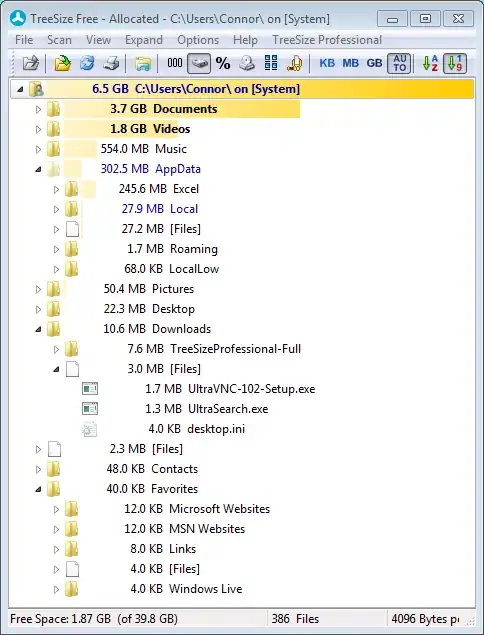
Selecting all files and showing properties skips files where don't have access to. Run TreesizeFree (as admin) and look which folders "eat" most space.

Thank you guys, finally i recover my disk space by disabling "hibernate" of windows 8.1, i do not need the hibernate cache, since my OS disk is a SSD, should be faster enough for a refresh boot