Somehow, most probably from one or another usb-born Linux, I got cute little directory named C: located on my C: NTFS partition, due to its peculiar name I can not operate on its directory tree as deleting C: is a no no operation after all...
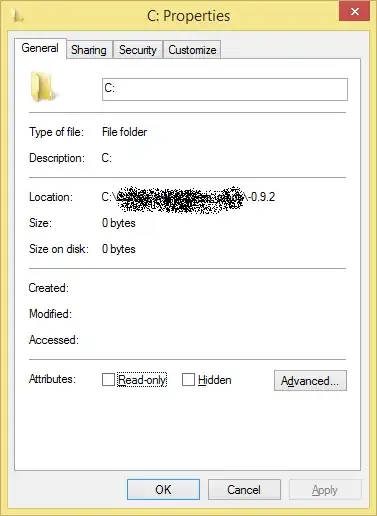
rmdir, del, move, copy all have no effect, and even show some signs of undefined behavior (for example del asks to delete \*).
Checkdisk failed to complete. (I have a bad feeling about this.)
Environment is up-to-date Windows 8.1 in English localization with full admin privileges.
I will be doing full format of this disk in few days anyway and all data are backed up so crazy ideas have green light.

