I need to remove some restrictions from a .pdf document:
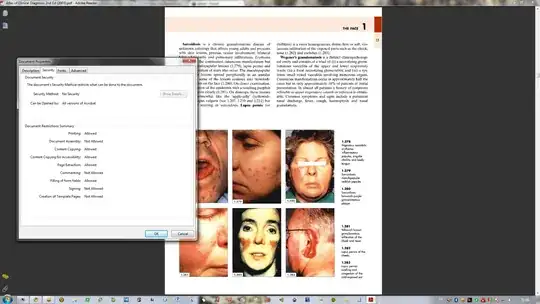
I can't zoom or use any other buttons. The toolbar just isn't available. I never saw a .pdf file like this one.
I need to remove some restrictions from a .pdf document:
I can't zoom or use any other buttons. The toolbar just isn't available. I never saw a .pdf file like this one.


You have two options:
with ghostscript:
gs -q -dNOPAUSE -dBATCH -sDEVICE=pdfwrite -sOutputFile=%stdout% -c .setpdfwrite -f locked.pdf > unlocked.pdf
with pdf2ps and ps2pdf (slower):
pdf2ps locked.pdf - | ps2pdf - unlocked.pdf
If the unlocked PDF contains error, try to decompose the commands (ps2pdf have sometimes problems with a streamed input):
pdf2ps locked.pdf unlocked.ps
ps2pdf unlocked.ps unlocked.pdf
