I'm trying to enable sound in safe mode.
I followed these steps How to enable audio in safe mode, but from step 10 I had a problem:
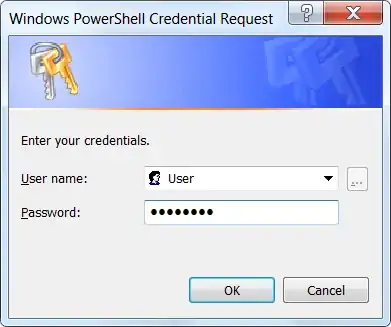
I tried to google but no-one is talking about this problem.
I'm trying to enable sound in safe mode.
I followed these steps How to enable audio in safe mode, but from step 10 I had a problem:
I tried to google but no-one is talking about this problem.


You have already created New Key #1, and it's clearly found in your
image on the left column.
Left-click the key, and you will see a (Default) entry on the right.
Double-click on the entry to edit it and continue.
Note that if the audio driver is not from Microsoft, there is a chance that it will not work in Safe mode.
