How can I get log messages from the LAMP server on Ubuntu 10.04? Should I install some good program on Ubuntu for that purpose?
Asked
Active
Viewed 1.1k times

3 Answers
6
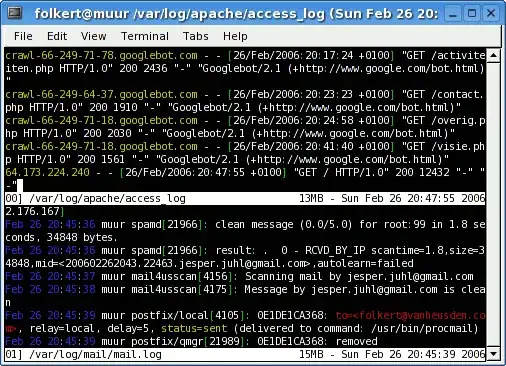
Using cat is not a good idea, especially if logs grow large. Instead, try tailing.
sudo tail /var/log/apache2/error.log
tail will only show the last N lines of a file. If you want to keep monitoring the last lines, use the -F command-line option . Use Ctrl + C to close the monitoring.
sudo tail -F /var/log/apache2/error.log
To enable the logging, you must do that in the php.ini (look for error-logging). AFAIK that is no longer on by default in Ubuntu 10.04.

Peter Mortensen
- 12,090
- 23
- 70
- 90

berkes
- 197
- 6


1
By default, the display of error messages is disabled in Lamp with Ubuntu 10.04 (I think it was enabled before...). You can read it with the following command :
sudo cat /var/log/apache2/error_log
or
sudo cat /var/log/apache2/access_log
I don't know how to re-enable the display of error messages, but it was really useful.

jguepin
- 11
- 1
-
they are empty, what I should do to enable them? My main problem that I get 500 error on my server when I going to some page. – Ben Jun 02 '10 at 12:38
-
error.log and access.log – Ben Jun 02 '10 at 19:30