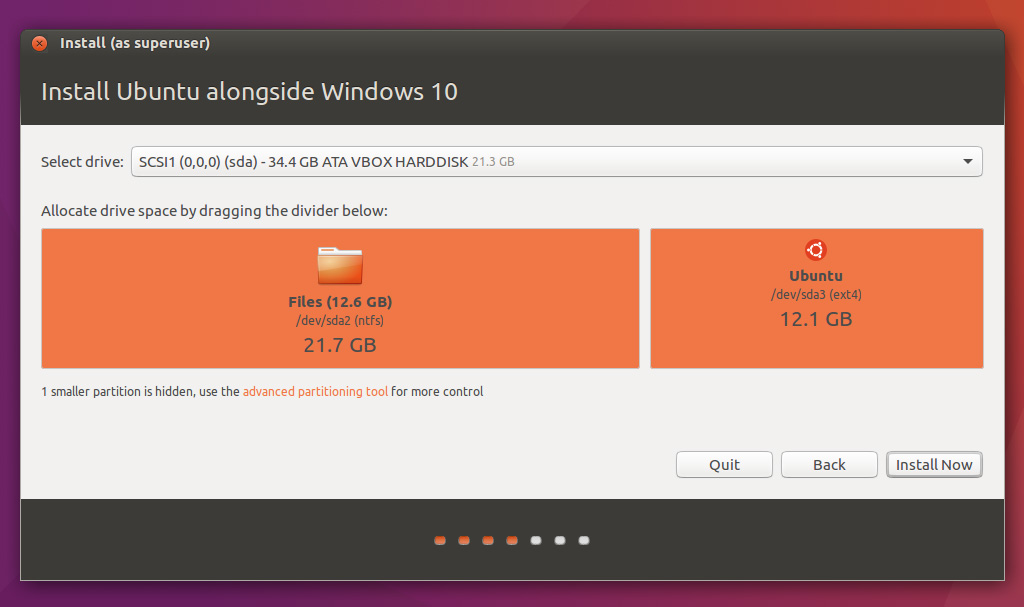
I have a PC running Windows 10 on which I recently installed Ubuntu so I can dual boot into either. I allocated disk space to Ubuntu in a similar manner to this image.
Several days later, a screen appeared when I booted Windows saying "Repairing disk errors. This may take over an hour to complete." For the few days prior to this, Windows worked fine alongside Ubuntu. I recall getting one blue screen about a day before the problem started, but I didn't think anything of it at the time so I didn't take note of the error code.
After about an hour this screen went away and the computer booted into Ubuntu, despite having selected Windows in the bootloader. Now, whenever I try to boot into Windows I get a screen with the Windows logo saying "Preparing automatic repair", after which I get this screen giving the following error:
You need to sign in as an administrator to continue, but there aren't any administrator accounts on this PC
The account I normally use is an administrator account, but this does not show up in this menu.
After clicking the "can't see your account?" button it prompts me to restart, which brings me to the same place if I try to boot into Windows. Ubuntu is still working as expected. I am able to access the files that were in the Windows partition through Ubuntu.
Holding Shift+F8 during boot does not do anything, but I can still press other keys to get into my BIOS menu, etc.