39

My kids put some bogus launcher on top bar (I have no idea how) :
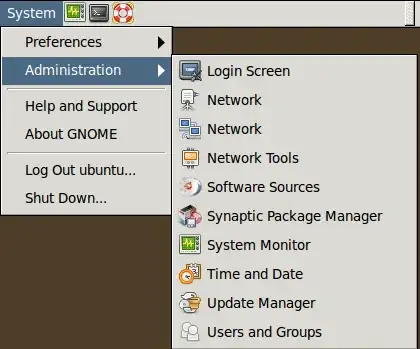
launcher on top bar

How can I remove it? I get only next options : properties and launch.

fossfreedom
  • 171,546
  • 47
  • 376
  • 404
BЈовић
  • 4,524
  • 9
  • 39
  • 64
  • Don't judge your kids too hard for this. I just did it too by accidentally by trying to drag a JPG up to the tabs in Chrome. I dragged it a tiny bit too far and it left a little launcher exactly like this one and I couldn't figure it out either. – Noah Mar 03 '14 at 19:32

2 Answers2

58

Make sure that your cursor is not pointing to the launcher. Then, hold down the left Alt and Windows key both. Right-click on the launcher then select 'Remove from Panel'.

Anonymous
  • 11,589
  • 5
  • 32
  • 33
  • 4
    I never would have though of that either. I added a launcher myself and couldn't figure out how to get rid of it. How about just adding "remove" to the right click context menu? Right now it only has "Launch" and "Properties". –  Feb 21 '12 at 14:46
  • 4
    From an anonymous user(not the person who posted this): Note: You may need to press the Super key (= Windows-Key) at the same time on some systems, i.e. hold down both the left Alt key and the Windows key before right-clicking. – nanofarad Aug 26 '12 at 16:15
  • 3
    Why design in that way? It's very confusing. – imwilsonxu Jan 25 '13 at 08:14
  • Great tip! I spent about 30 minutes for finding a way to remove it! – Rutwick Gangurde Jan 19 '15 at 07:33
  • 1
    Aaaah :) The intuitiveness is so overwhelming :) :) – codepleb Oct 03 '17 at 06:07
36

The latest version of Gnome Classic (Apr 2012, at least for me) requires: Alt + Super (Windows) and right-click.

Lance Rushing
  • 461
  • 4
  • 3