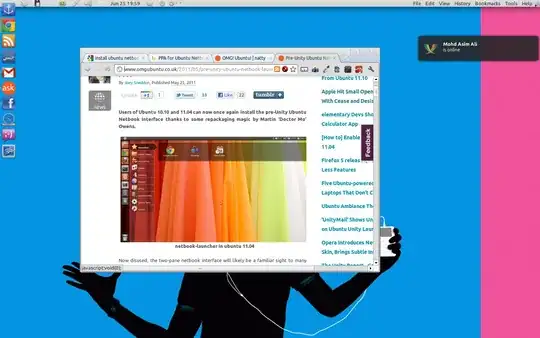
1

screenshot

See that big black box? It's a popup. Is there any way to stop these from appearing? Perhaps with a dconf-editor setting or something?

These popups appear frequently in Unity, like if you rest the mouse cursor on a Launcher icon. In the screenshot above the black box is appearing because the mouse cursor happened to come to rest on top of the "Font colour" button. You can experience it yourself at askubuntu.com by resting your mouse cursor over the large "B" (for making text bold) when posting a question like this. These popups drive me nuts and I really, really hate them. I would love to learn of a way to disable them.

user308393
  • 1,237
  • 3
  • 16
  • 23
  • You can 'remove' most tooltips when using compiz by making them transparent - http://askubuntu.com/questions/127604/how-to-remove-tooltip-message-feature-from-all-of-ubuntu-12-04-desktop-and-user – doug Jul 04 '15 at 03:10
  • 1
    Tooltips are often coded inside applications. – Jacob Vlijm Jul 04 '15 at 05:05
  • @Jacob_Vlijm: is there anyway to change these settings for the Unity Launcher application? When the mouse cursor comes to rest on a Launcher-icon, how do I prevent a tooltip from appearing? – user308393 Jul 04 '15 at 20:14

1 Answers1

1

Your issue may be browser-related. If you're using Firefox (because your image is of NoScript), you could try something like this in a Stylish sheet (preferable) or in userChrome.css:

/* AGENT_SHEET */ 
@namespace xul url(http://www.mozilla.org/keymaster/gatekeeper/there.is.only.xul);
#aHTMLTooltip {visibility: hidden !important;}

Alternatively, you could "customize" the color of the tooltip's background and text color using simple CSS.

The downside is that you may lose a lot of helpful hints. I keep the tooltips but style them to be less "in-my-face".

#aHTMLTooltip {color: #555 !important; background: #bbb !important; }
DK Bose
  • 41,240
  • 22
  • 121
  • 214