How do I redirect the Terminal content (the content that currently I'm looking not the entire file, when using the less command) into a outfile until I press the Q to exit from less?
Asked
Active
Viewed 1,404 times
19

αғsнιη
- 35,092
- 41
- 129
- 192
-
Did you mean `cat foo | less -o bar` where `bar` is the output file and `foo` the input file? – 0x2b3bfa0 Mar 13 '15 at 18:59
1 Answers
29
To save just the section that is currently displayed in your terminal you can use the | command.
From man less:
| <m> shell-command
      <m>  represents any mark letter. Pipes a section of the input file to the given
  shell command. The section of the file to be piped is between the first line on the
  current screen and the position marked by the letter. <m> may also be '^' or '$' to
  indicate beginning or end of file respectively.
  If <m> is '.' or newline, the current screen is piped.
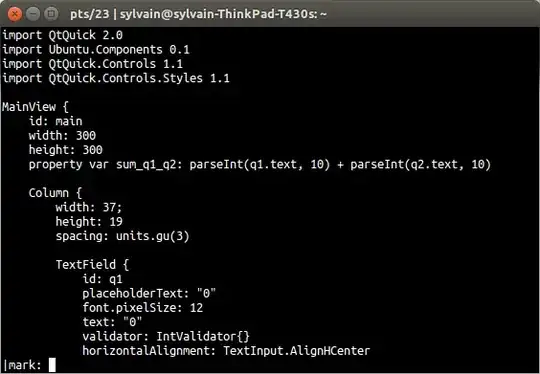
- So first type
|(the pipe symbol) - Then choose the
.mark to select only what's visible on your terminal (or just hit Enter) - Use
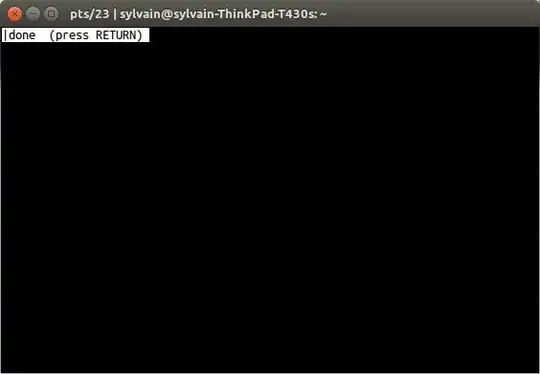
teeto save to a file e.g.tee /tmp/section_of_big_file.txt - Press Enter then q
The sequence with screenshots:


Sylvain Pineau
- 61,564
- 18
- 149
- 183