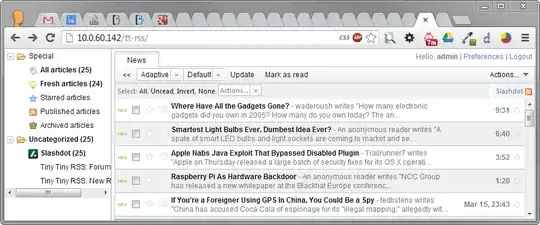
Ubuntu packages are not supposed to install anything in /var/www. Instead, the recommended approach is to install your application into /usr/share. This is what tt-rss has done as well. The site is located at:
/usr/share/tt-rss/www
The package installer creates a default Apache HTTP configuration file at /etc/tt-rss/apache.conf. To enable it, we'll just link it into /etc/apache2/conf.d:
sudo ln -s /etc/tt-rss/apache.conf /etc/apache2/conf.d/tt-rss
sudo invoke-rc.d apache2 reload
You should now be able to surf to http://localhost/tt-rss, where you will be greeted by an error message:
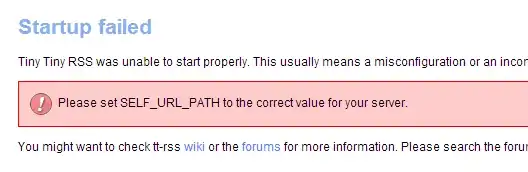
To fix this, simply edit /etc/tt-rss/config.php and adjust the SELF_URL_PATH according to your setup. Afterwards, refresh the page to see the login screen.
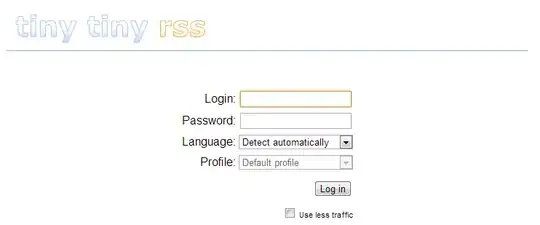
You'll still have to properly configure tt-rss. But this should get you started.
After working on it a bit more, it is apparent that the packaged version is not compatible with the default prototype 1.7.0 that is installed by default. To remedy this, install an older version of prototype locally:
cd /usr/share/tt-rss/lib
sudo rm prototype.js
sudo wget http://prototypejs.org/assets/2009/8/31/prototype.js
Now it should let you log in with the default admin/password login.