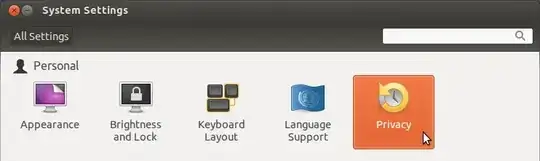
I know that this type of question has been asked before, but those solutions didn't work for me. I have recently installed Ubuntu 19.10 by removing Windows 10. After the installation, I was surprised to find that there is no WiFi option at all in the settings.
I have also checked the Network group, WiFi option was not there either.
Luckily, I am able to connect to internet through USB tethering on my Android phone.
Here is the output of lsusb command :
Bus 002 Device 009: ID 0bda:f179 Realtek Semiconductor Corp.
Here is the output of lshw command (only the WiFi dongle part):
*-usb:1 UNCLAIMED
                      description: Generic USB device
                      product: 802.11n
                      vendor: Realtek
                      physical id: 4
                      bus info: usb@2:1.4
                      version: 0.00
                      serial: 00E0202C7613
                      capabilities: usb-2.00
                      configuration: maxpower=500mA speed=480Mbit/s
How to bring the WiFi option? Please ask if more information are needed.
