My solution
I tried to use VirtualBox to simulate Windows 10 Technical Preview, but experienced problems (see below).
My solution was to use Hyper-V (as answered in this comment).
How to access Hyper-V: Type in the Start Menu search Hyper-V Manager.
My problem
I'm using Windows 8.1 Pro x64 build 9600.
My goal is to simulate Windows 10 Technical Preview x64 on VirtualBox.
I downloaded VirtualBox 4.3.16 from its official download page.
This is my system information:
 Steps i've tried:
- I enabled virtualization:
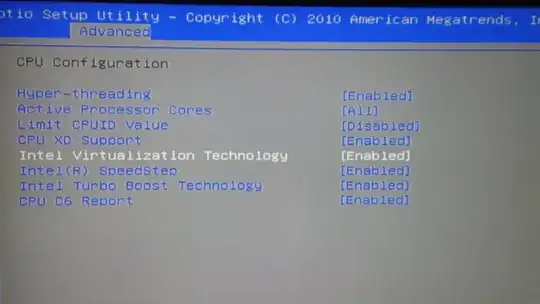
- I executed command in CMD:
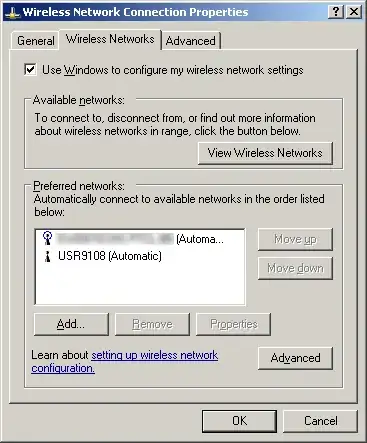
"C:\Program Files\Oracle\VirtualBox\VBoxManage.exe" modifyvm "Windows 10" --longmode on - I enabled Hyper-V feature:
- I also tried to use a 32-bit ISO of Windows 10 Technical Preview.
If the status of Hyper-V is this or this, I get the following error when I start simulating Windows 10 Technical Preview: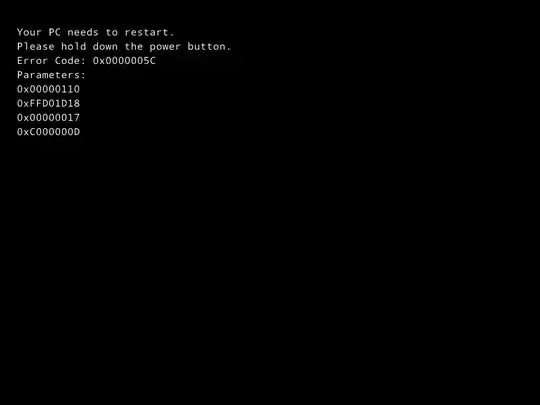
However, if I enable Hyper-V, I get the following error:

If I hit Continue, the following error comes:
I still cannot use 64-bit operating systems: