You could use remote controllabe switches, such as UPB, Insteon, or Z-Wave. (Check out: What are the pros and cons of different types of smart switches (that are on the US market) ? )
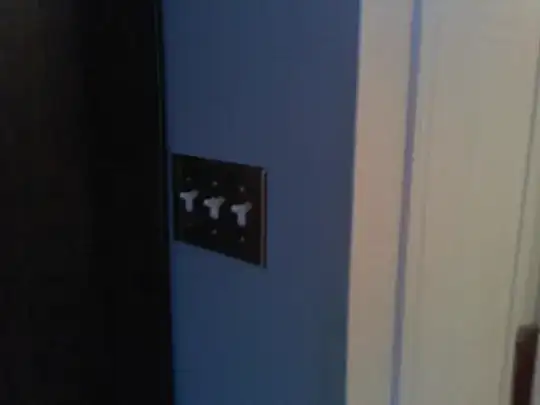
You can install one keypad in place of all 3 of those switches. The keypads can generally control one local load (although Simply Automated makes one that controls two loads). Since the other two are already 3-way switches, you can use the keypad to control those remotely.
The other two 3-way switches (that are not located in this box) get converted to single load smart switches, and are what actually control the load. By linking up the keypad to control the other two remote switches, you effectively get all three.
Examples using Simply Automated products:
At the two remote 3-way switches, replace each with a US11-40-W:
Replace your 3 switches with two blank faceplates:
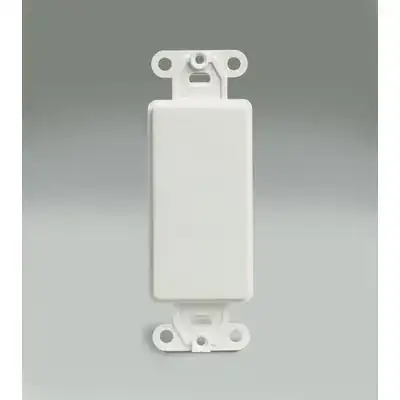
and a single US2-40 with one of the many faceplate options, such as the ZS23:
You can also go much fancier, and have scene buttons that preset all 3 lights to various levels (or turn them all off), and so you could do something like the ZS260:

Using Insteon products, you replace the remote 3-way switches with 2477D:
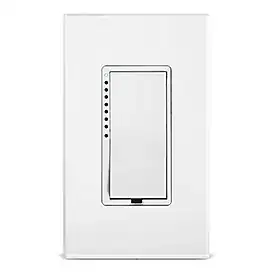
and then put in a keypad 2487S:

I personally have Insteon stuff in my house now (including both products here) but I'm not a huge fan. It's very easy to program (you just hold down buttons on the keypads) but it's also very limiting in some cases, such as not being able to have a scene that turns some lights on, but others off (you can have it turn different lights on to different levels, but 0% doesn't work).
I have not yet used SimplyAutomated's stuff (other than trying out the PC-based programming app) but it looks much much more powerful. They have better keypad hardware/options, WAY more control options (such as what happens on one press vs double-press vs triple-press vs hold), but it also looks a bit more complicated to set up, and requires a PC and PC<->UPB interface.